Variant Control Widget
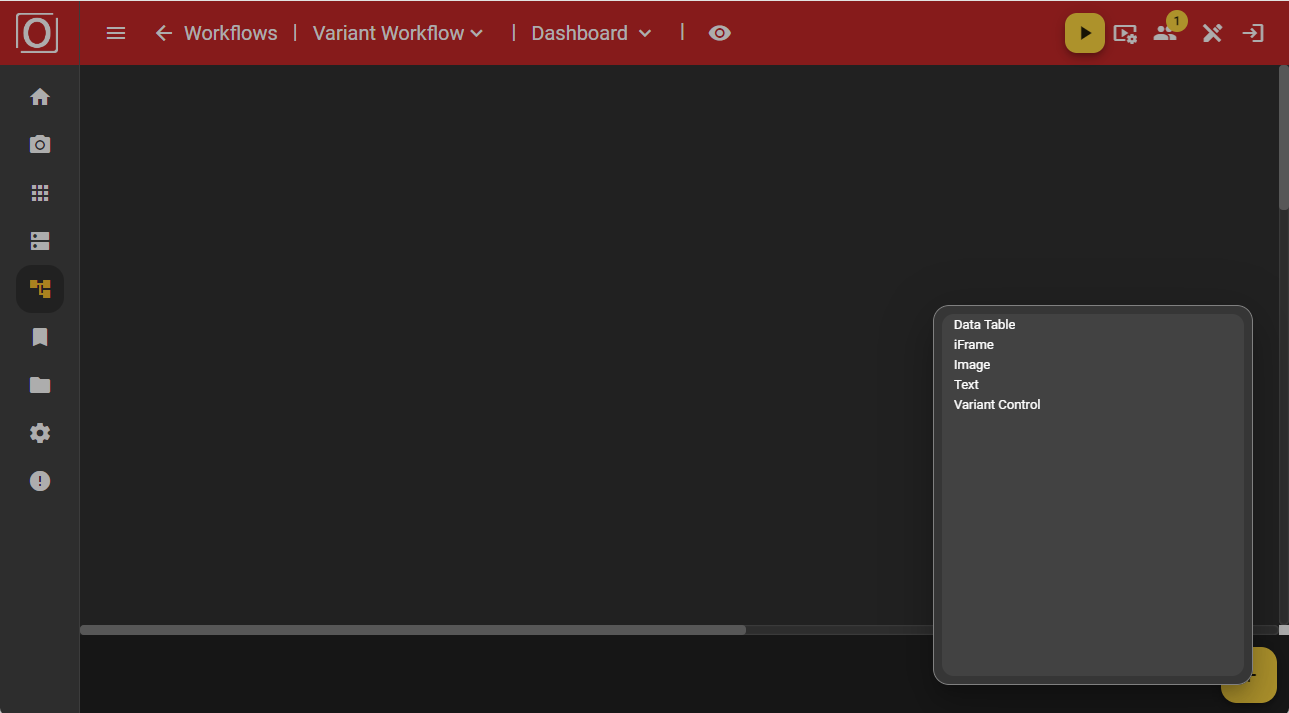
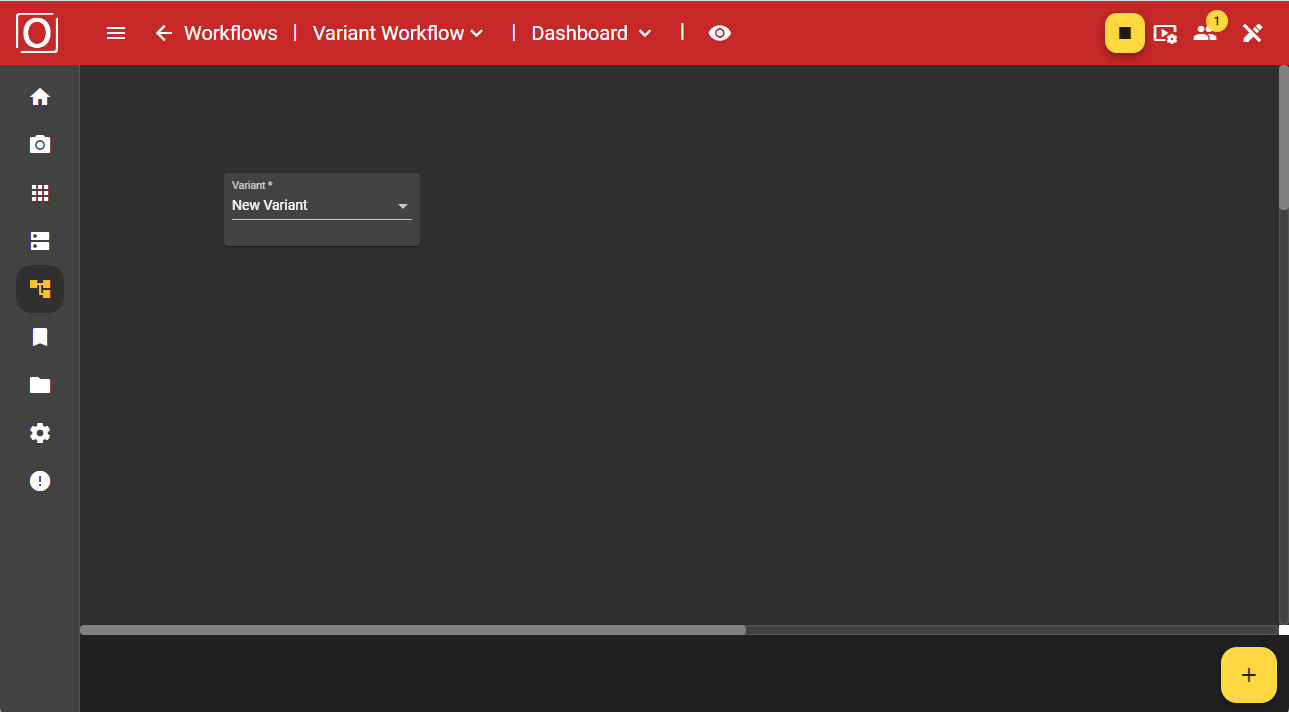
During ongoing operations, you can control the variants via the dashboard. This has the advantage that you do not need to make any changes in the graph. Add the “Variant control” widget to the dashboard using the “Add” button.
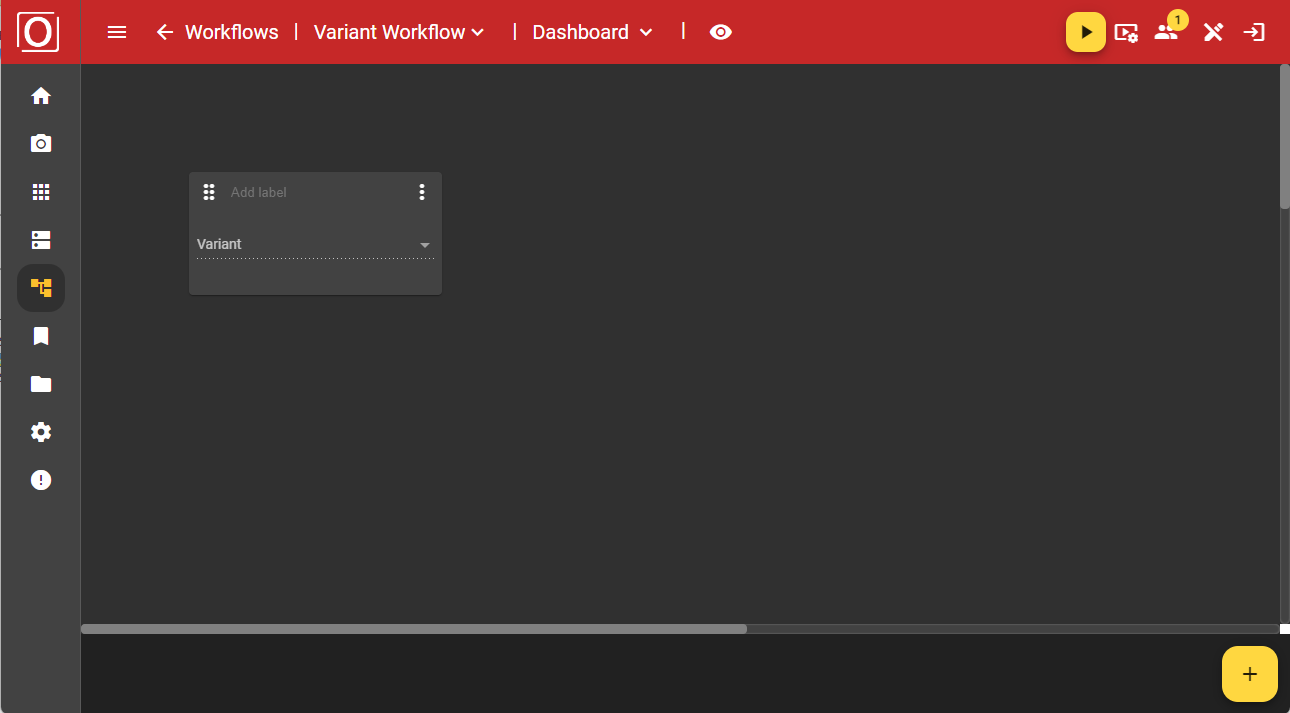
Initially, the widget is displayed in an empty state, but as soon as your workflow is active, you can select the variant you want to use (instead) via a dropdown.
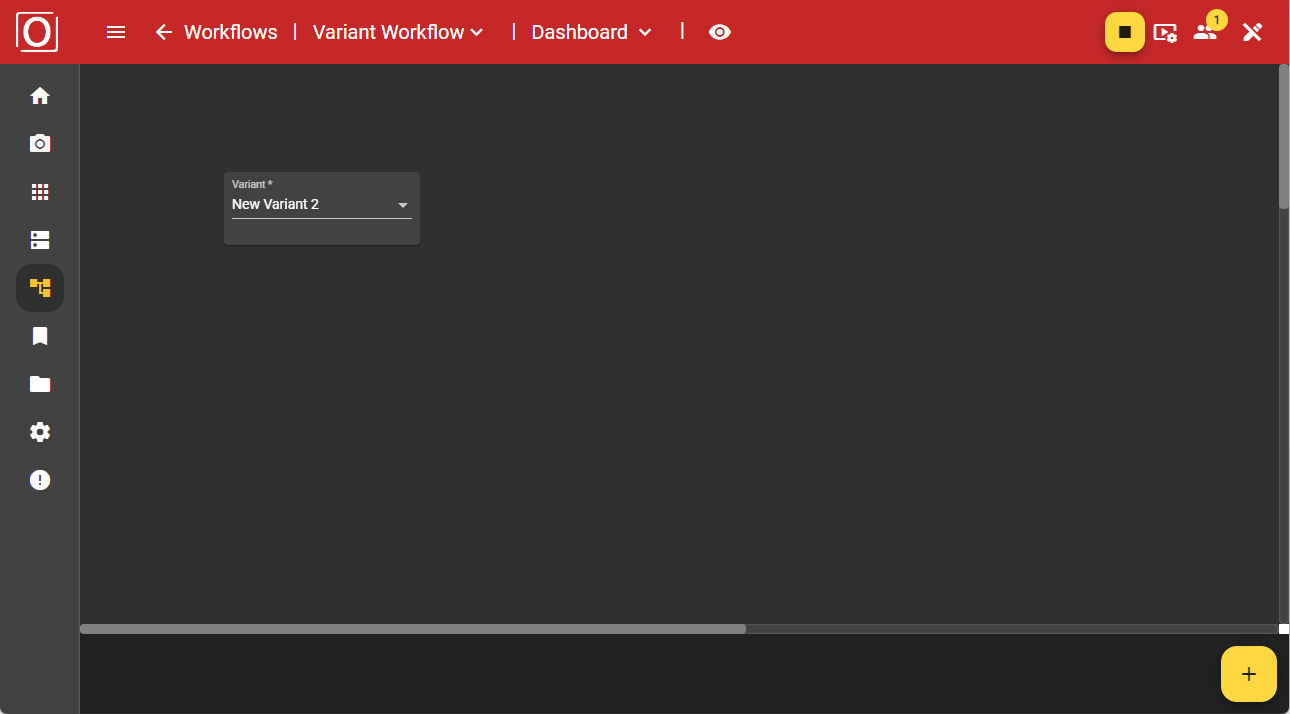
If you have started a workflow using a variant, the widget will be populated with the currently used variant.
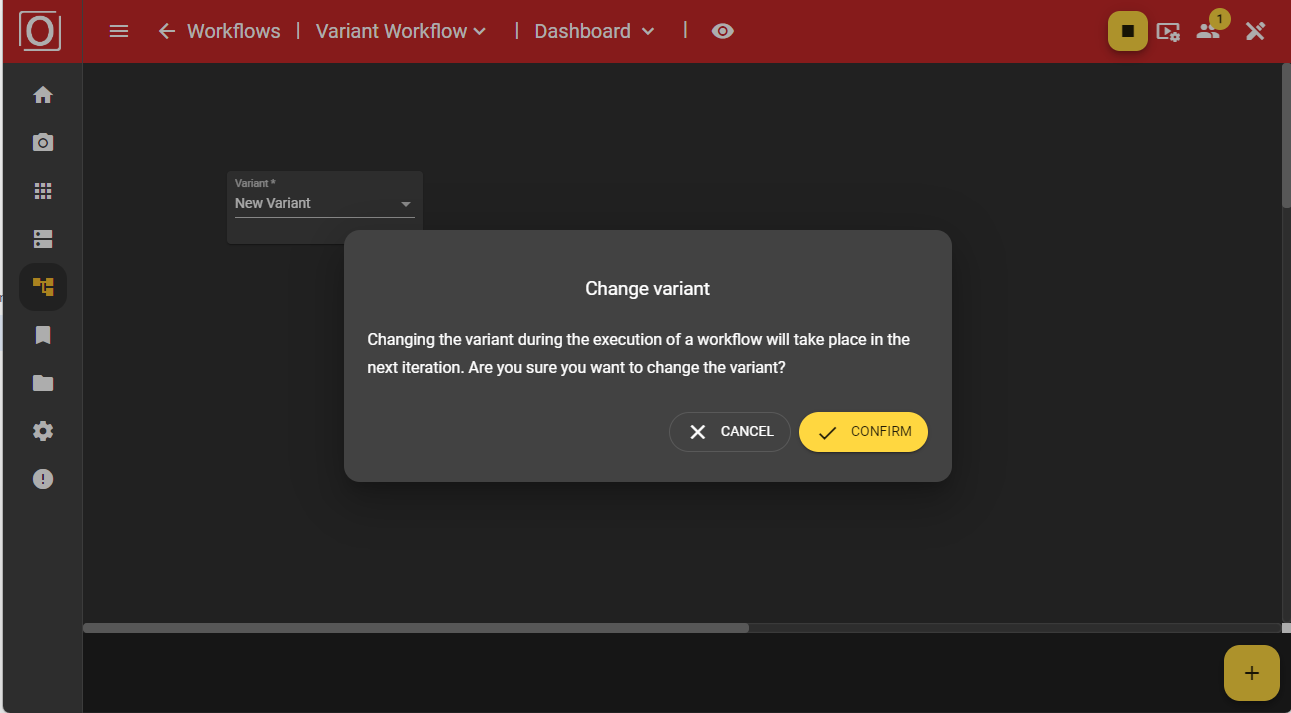
After your selection, you will be asked in a dialog whether you really want to use the chosen variant, as this will affect your ongoing process. Once you confirm the dialog, your workflow will operate with the values of the newly selected variant.