
iFrame Widget
With this widget, you can embed content from other websites.
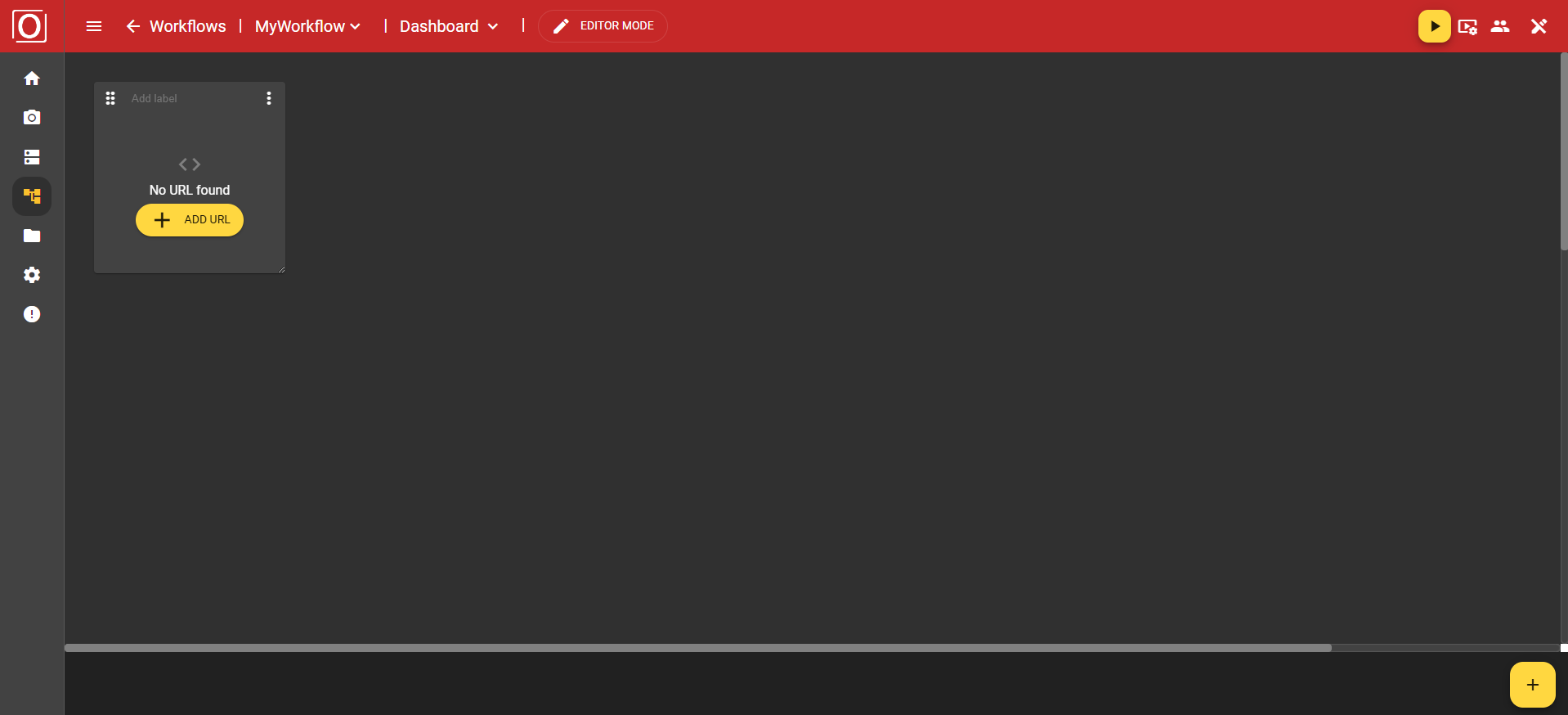
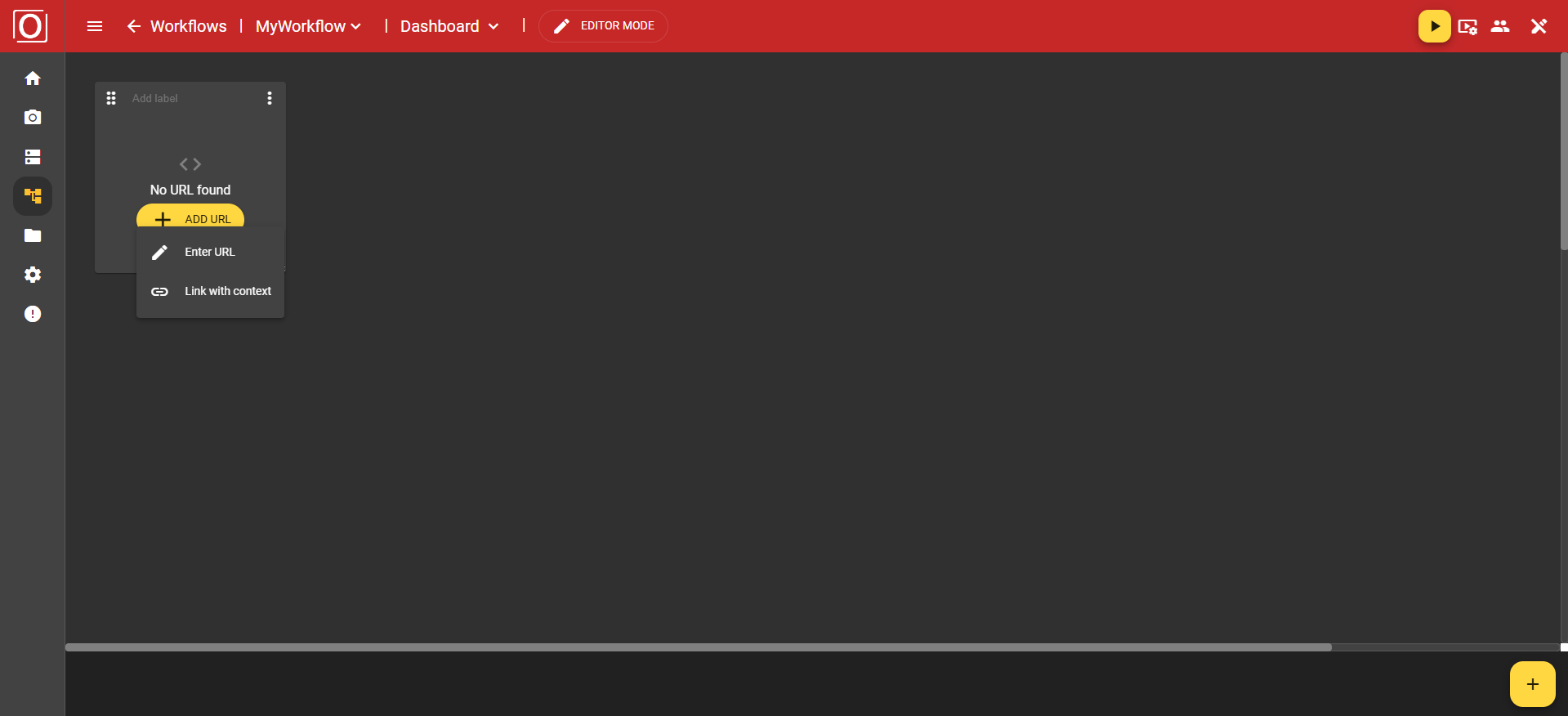
When you click the “Add URL” button, a new menu opens with the options “Enter URL” and “Link with context”. We will now take a closer look at the “Enter URL” option.
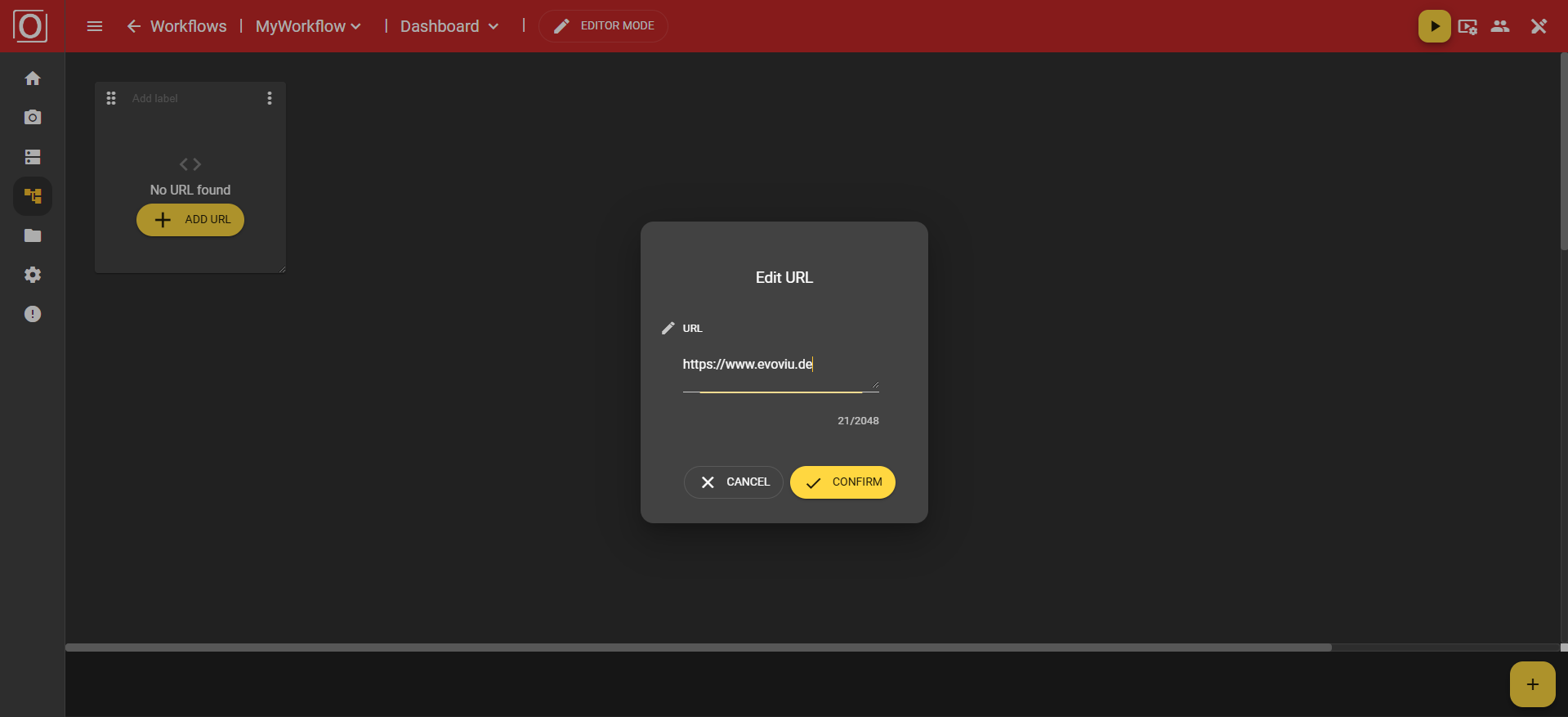
A dialog titled Edit URL opens. You will also find a text field here to enter your URL. Important: The URL you enter must support https.
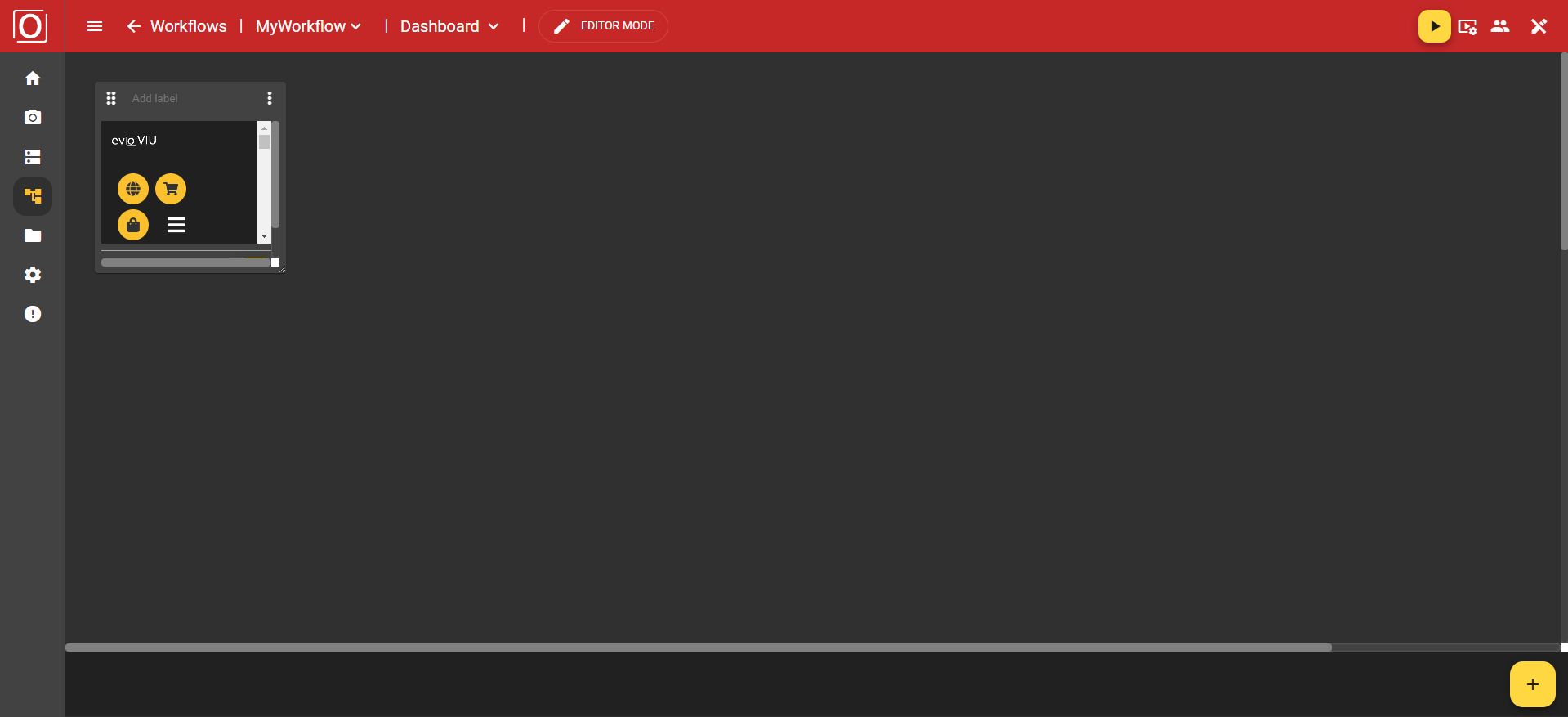
Once you have confirmed the dialog by clicking the "Confirm" button, the content of the URL will be embedded in this widget. You will then see the website you entered.
If you want to change the content of your widget, you can use the yellow button with the pencil icon for this. Clicking the button opens the dialog to set the URL to be displayed.