
In this chapter you will find general information on reading out numerous metrics from the evoVIU camera.
Introduction
The Performance menu item lists the performance parameters of your camera.
CPU Performance
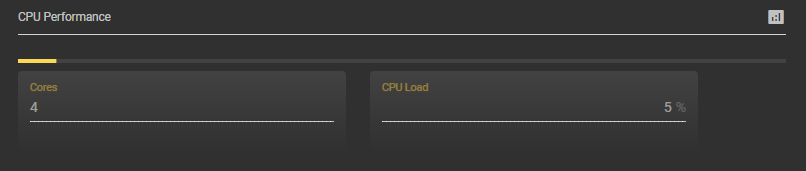
Cores
Here you can see how many processor cores your CPU consists of.
CPU Load
Here you can see the percentage of CPU utilization.
RAM Performance
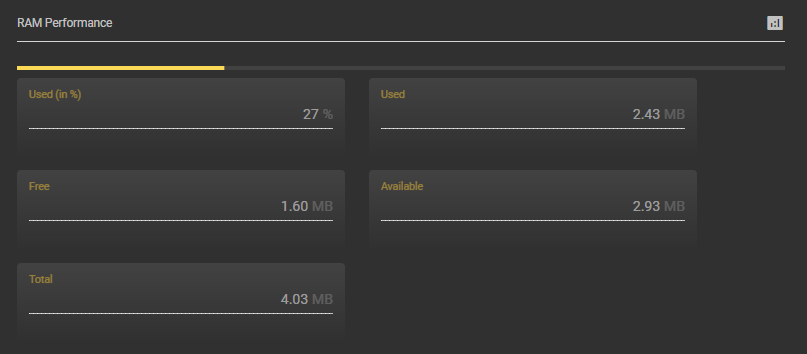
Used (in %)
Here you can see what percentage of RAM is currently being used.
Used
Here you can see how many MB of RAM are currently being used.
Free
Here you can see how many MB of RAM is still free.
Availabe
Here you can see how many MB of RAM is still available.
Total
Here you can see how many MB the RAM has.
Load average
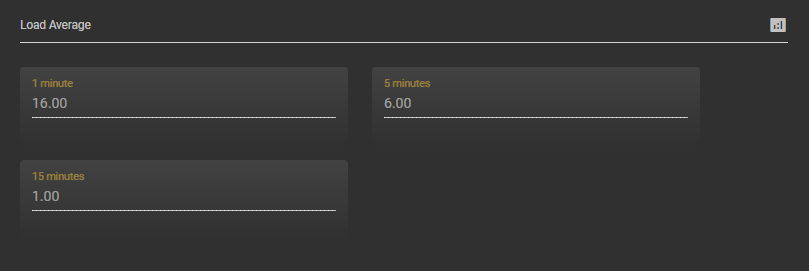
1 Minute
Here you can see how many processes were running at the last minute.
5 Minutes
Here you can see how many processes have been running in the last 5 minutes.
15 Minutes
Here you can see how many processes have been running in the last 15 minutes.
Uptime
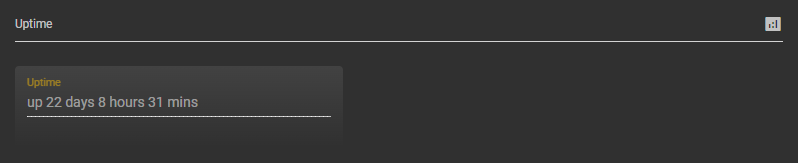
Uptime
Here you can see how long the camera has been running continuously.