
This chapter contains general information on the memory allocation of the evoVIU camera.
Introduction
Under the menu item Storage you will find information about your storage space. You can also reset your database and the system to the factory settings using the buttons below.
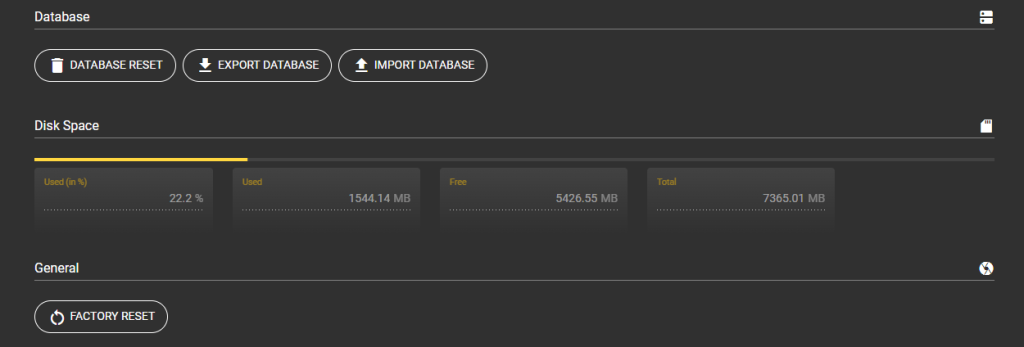
Database

Database Reset
Reset all camera settings. Incorrect configurations can thus be rectified
Important: All saved information will be deleted by this process!
Export Database
Use this button to export all your settings. This includes all configurations including the set parameters, saved images and set networks.
Import Database
Use this button to import one of your databases directly to the camera. If you need to change or expand the hardware, for example, you can simply use this option to access all your settings. This includes all configurations including the set parameters, saved images and set networks.
Disk Space
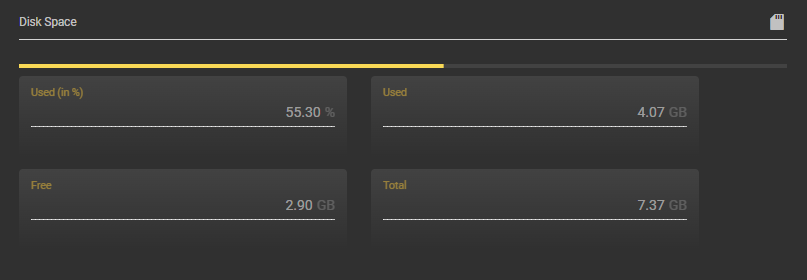
Used (in %)
Here you can see what percentage of the memory is already in use.
Used
Here you can see how many MB of memory are already in use.
Free
Here you can see how many MB of memory are still free.
Total
Here you can see how many MB your memory has in total.
File System Storage
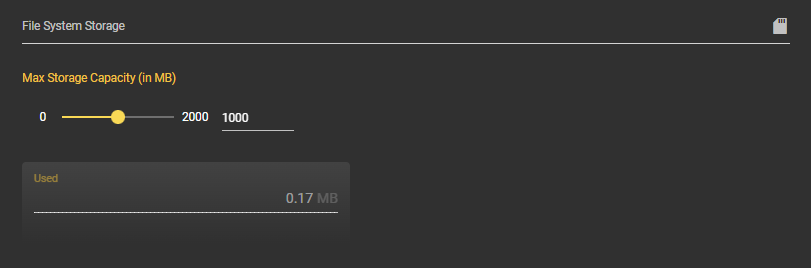
Max Storage Capacity
Set the maximum size of your file storage here. You can find the file storage under the Files menu item.
Used
Here you can see how many MB of memory are already in use.
Logs

You can download all log files to your device using the Export Logs button.