This chapter contains general system information about the evoVIU camera.
Introduction
In the System section, you can read all information about your hardware. Furthermore, you can set the behavior of your camera upon restart, as well as perform basic actions such as restarting or shutting down the camera.
System Information
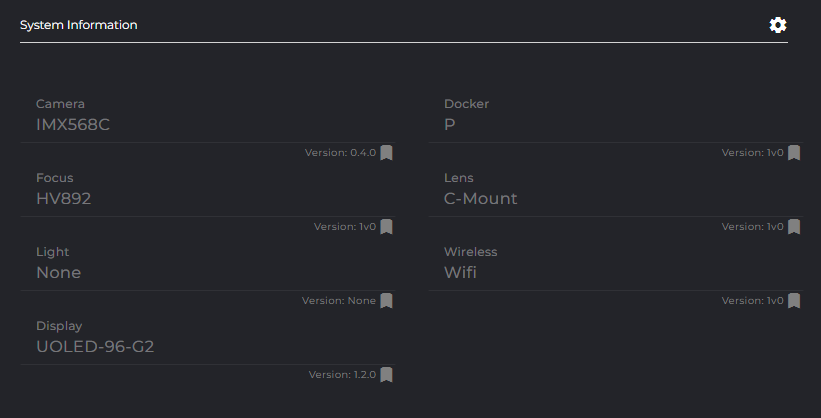
This section lists all the properties of your system. These include:
-
Camera
-
Docker variant
-
Focus
-
Lens
-
Built-in light
-
Wireless connection
-
Display
All this information can also be used as bookmarks.
Auto Restart
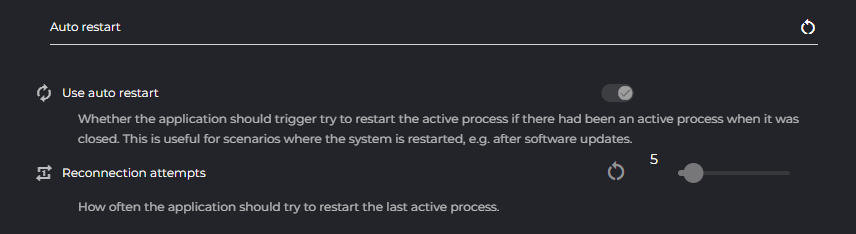
Use Auto Restart
Select this option if you want to enable the auto restart. Your system will then automatically restart – for example, after software updates – and restore the last active process.
Reconnection Attempts
Set here how often your camera should attempt to restore the last active process upon restart.
Ping
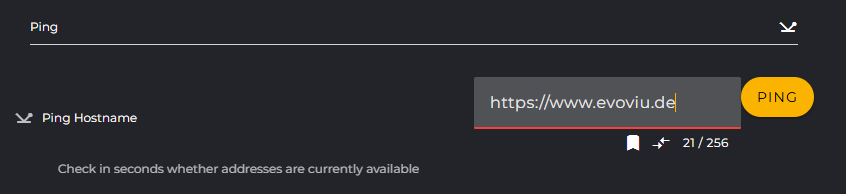
Ping Hostname
If you want to check whether certain addresses are currently reachable, you can easily determine this using the ping function. The result will be displayed to you within a few seconds.
System Actions
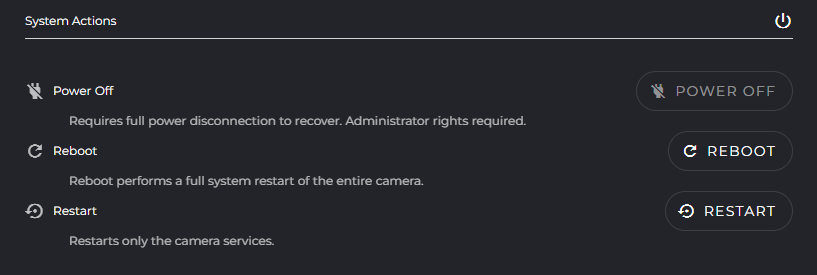
Power Off
Turn off the camera using this button.
If you need to shut down the camera with Power Off, you must briefly disconnect the camera from the power supply to restart it. Make sure the camera is in an area where you can do this without any problems.
Reboot
Reboot your camera using this button. A reboot performs a complete system restart of the entire camera.
The camera is accessible again after about 60 seconds.
Restart
You can restart the camera services using this button.
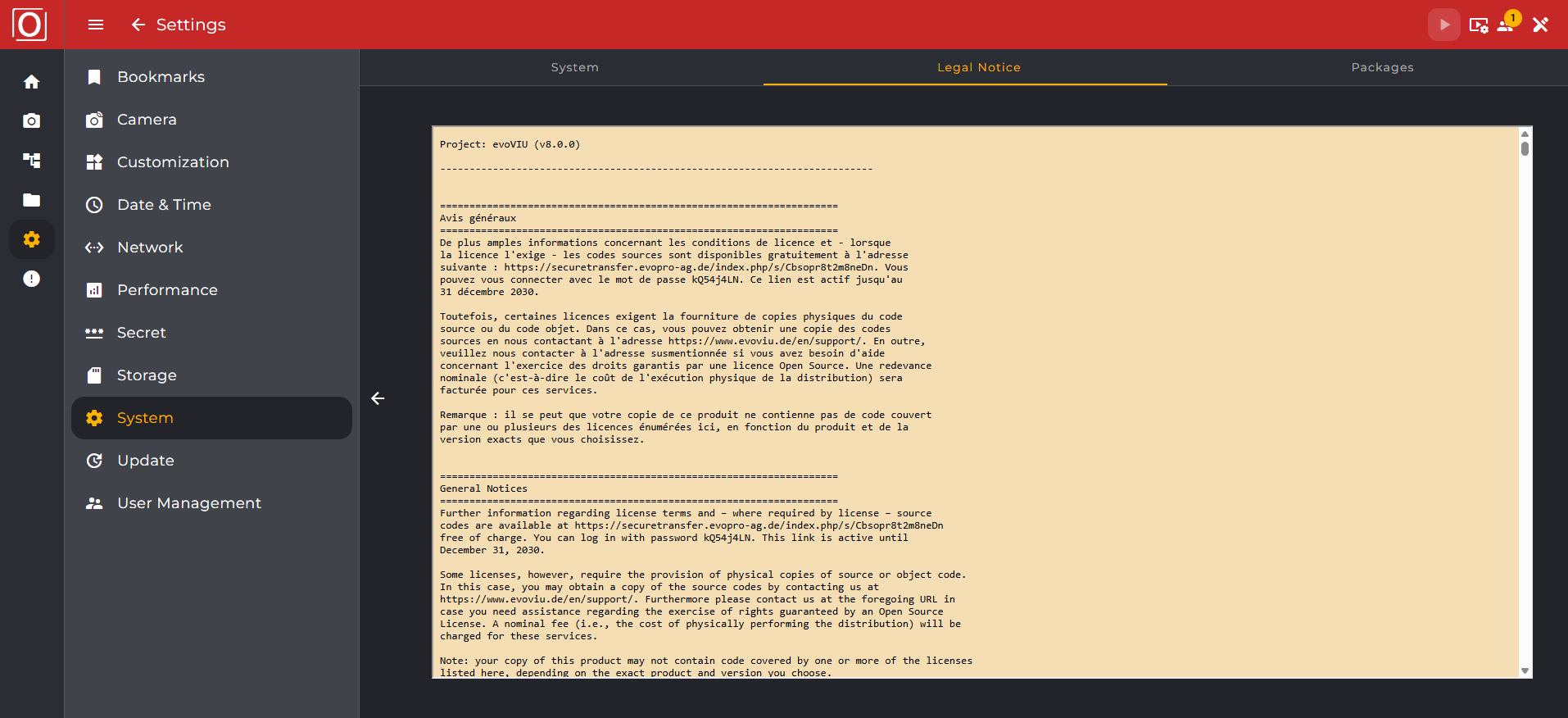
Legal Notice
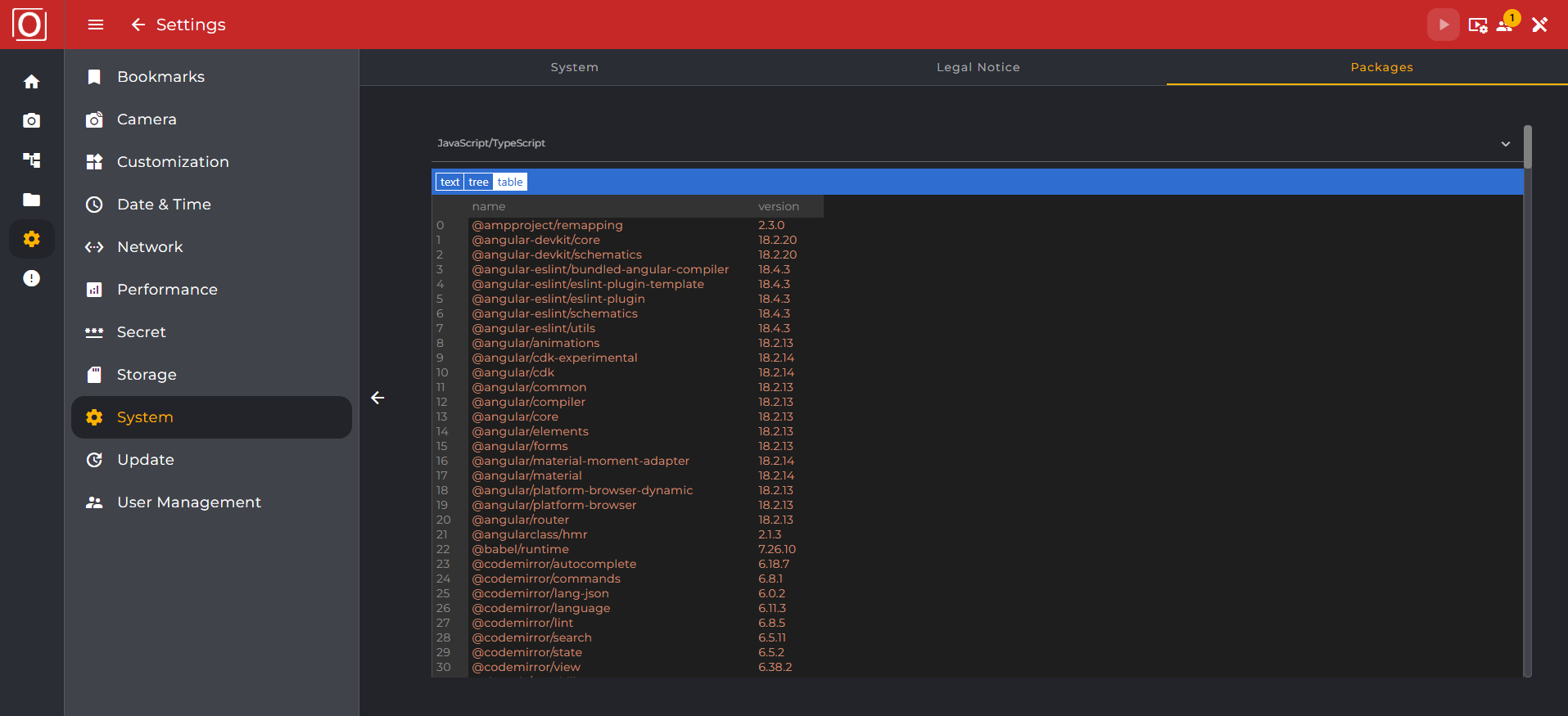
In the Legal Notice section, all underlying libraries and technologies along with license texts are listed.
Packages
The tab view also allows switching to the package listing. The collapsible sections display an overview of all used packages along with their version number, author, and license.