
Text Widget
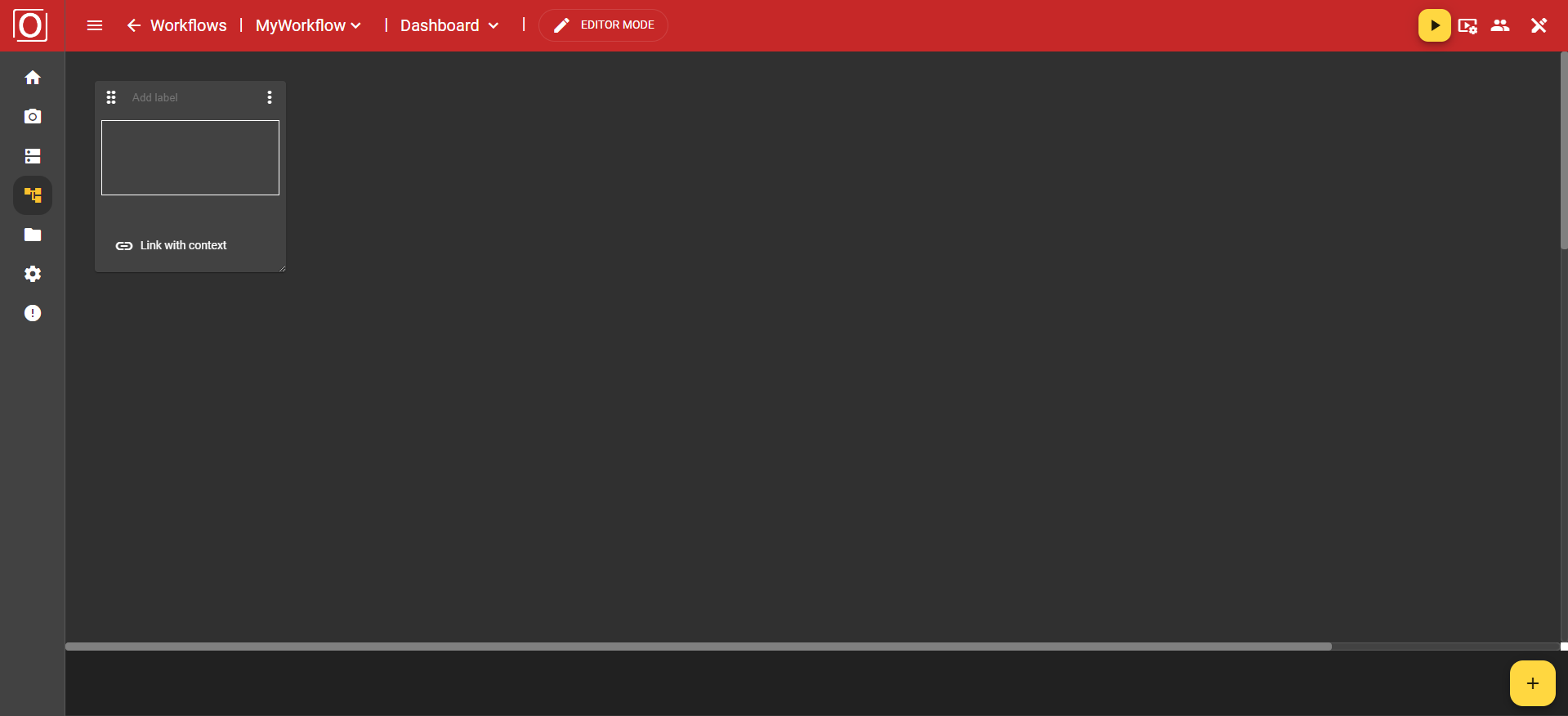
This widget allows you to write and format texts just like you are used to from common editors. For this purpose, a text field is available whose size dynamically adjusts to the widget.
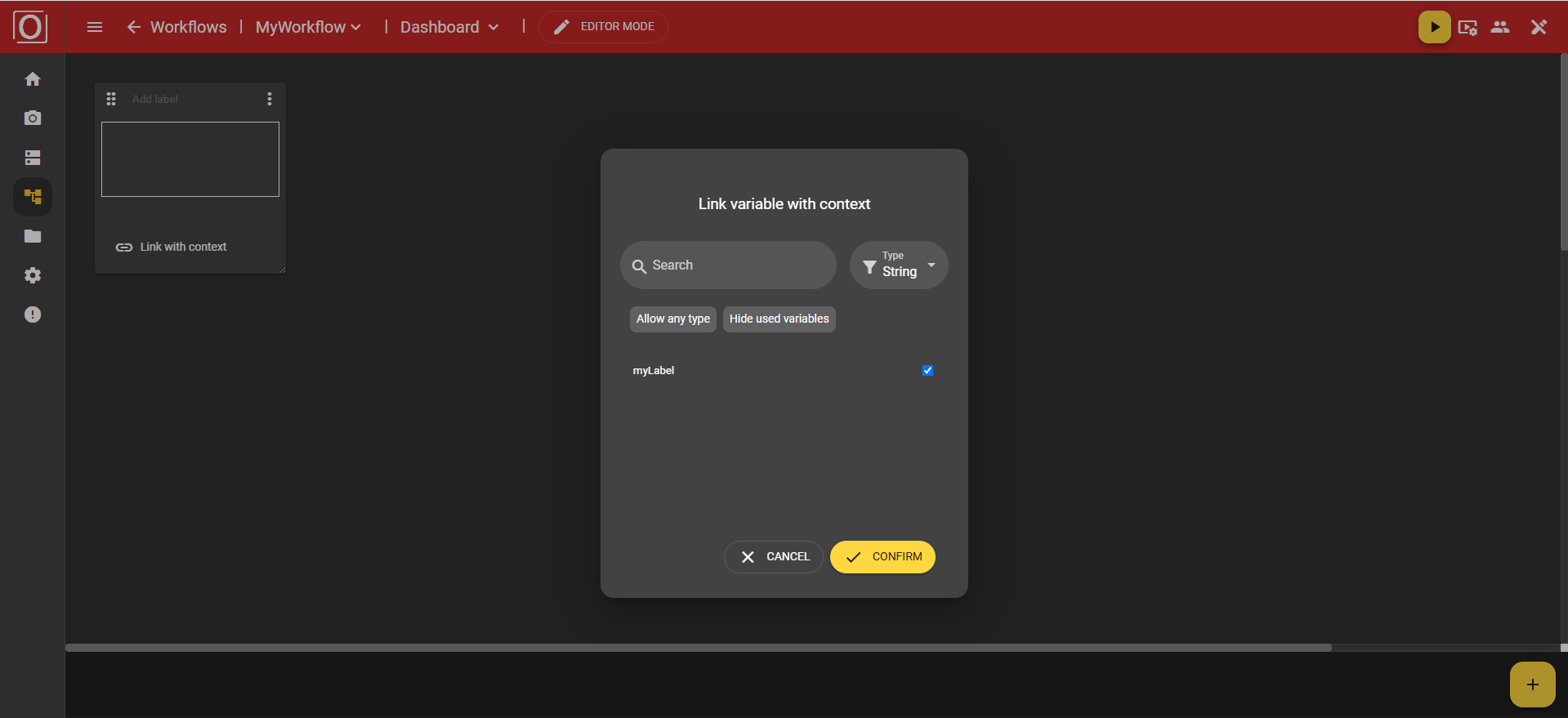
In the dialog titled “Link variable with context,” all variables of the boolean type are displayed, allowing you to activate exactly one for the widget via a checkbox. After selecting a variable, close the dialog by clicking the “Confirm” button.
Usually, the Text Widget is used for entering text. Here you can highlight sections and immediately receive additional formatting options in the Bottom App Bar.
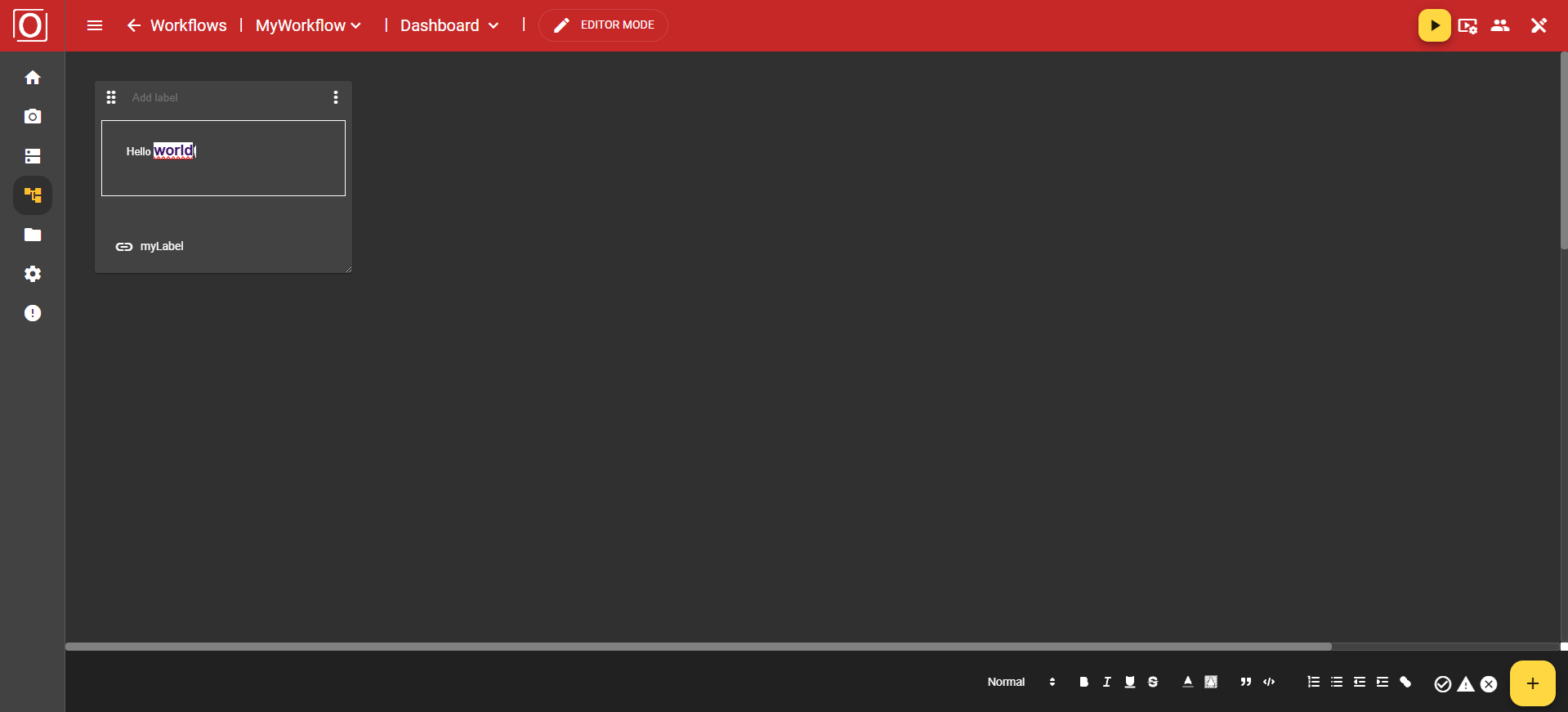
The following features are available to you:
-
Font size
-
Bold
-
Italic
-
Underline
-
Strikethrough
-
Font color
-
Text highlight color
-
Quote
-
Code
-
Numbering
-
Bullets
-
Decrease indent
-
Increase indent
-
Hyperlink
-
Info panel (Success, Warning, Error)